After-Hours AI Receptionist for Dental Calls (Guide)
AI receptionist for after-hours dental calls: what works (and what breaks)
If you are evaluating an AI receptionist for after-hours dental calls, you are already solving a real patient-access problem: many patients try to book or ask questions when your front desk is closed.
After-hours coverage is also where many AI phone systems fail. Not because the idea is bad, but because dental workflows have sharp edges: emergencies, HIPAA, insurance questions, anxious patients, and schedules that change every day.
This guide breaks down what actually works, what breaks in real offices, and a safe rollout plan.
What is an AI receptionist for after-hours dental calls?
An AI receptionist for after-hours dental calls is a phone and messaging system that answers patient calls when your office is closed, then handles a defined set of requests like:
Scheduling requests (new patient or existing patient)
Appointment confirmations, cancellations, and reschedules
FAQs (hours, location, insurance accepted, pricing ranges)
Simple triage and routing (for example: pain, swelling, broken tooth)
Capturing messages with structured details for your morning callback list
The best systems do not try to act like a dentist. They act like a great front desk teammate: polite, consistent, and very clear about what will happen next.
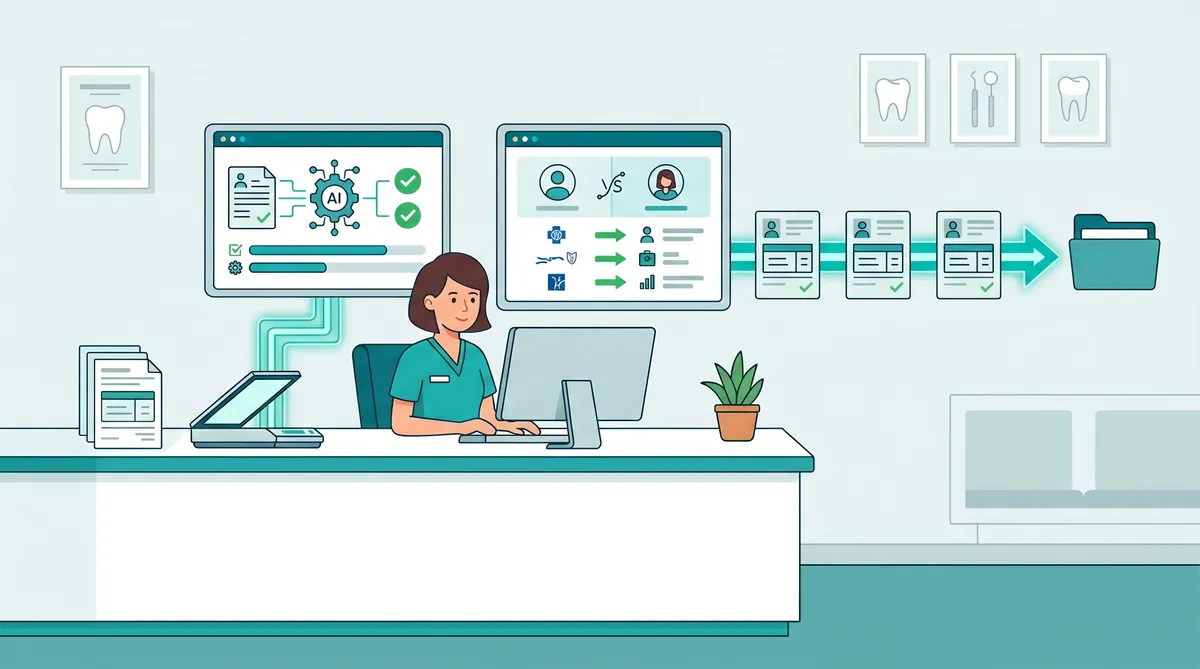
Mentera.ai is an AI layer that works with your existing tools. It is not an EHR. It sits on top of your current practice management system and communication stack to help your team answer more calls, capture more requests, and reduce administrative load.
Why after-hours calls matter more than most practices think
After-hours is a pressure test of your patient experience.
When patients cannot reach you, they may call another office, delay care, or show up at urgent care with a worse situation. Dental is competitive in almost every market, and patients shop fast.
Even during business hours, access is often the bottleneck. A narrative review in the Journal of Patient Experience cites a study finding that 46% of patients experienced difficulty booking appointments due to busy phone lines (From Patient Experience to Dental Service Return Visits - PMC - NIH).
After hours, the problem is amplified: you have less staff availability, but patient needs continue.
What works: the 6 capabilities that make after-hours AI successful
1) A narrow scope with explicit guardrails
After-hours AI succeeds when you define a strict scope.
A safe scope includes:
Collecting information
Offering basic options
Booking only when rules are met
Escalating to a human when anything is ambiguous
A risky scope includes:
Diagnosing
Promising clinical outcomes
Recommending medications
Handling complex billing disputes
Your script should say, in plain language:
The office is currently closed
The caller can leave details for a callback
If they think it is an emergency, call 911 or go to the ER
2) A clear emergency and urgent-symptom path
Dental after-hours calls are not all equal.
The AI should recognize urgent keywords and patterns like:
Uncontrolled bleeding
Facial swelling with fever
Trauma
Trouble breathing
Then respond with the correct, compliant guidance.
Important: in many practices, true emergencies still go to an on-call clinician. If that is your workflow, the AI must be able to route to the on-call number and capture the details first.
3) Structured message capture (not just voicemail)
Voicemail is unstructured. It forces your staff to listen, interpret, and re-enter data.
A good after-hours AI receptionist captures structured fields:
Patient name
Date of birth (or last name plus phone for identification, depending on your policy)
Call-back number
Reason for call (choose from a short list)
Preferred appointment times
Insurance type (optional)
Then it can generate a clean morning worklist: who to call first, what they need, and what the next step is.
4) Scheduling that respects real-world dental rules
After-hours AI breaks when it tries to book appointments like a generic calendar tool.
Dental scheduling has constraints:
Provider-specific procedures
Room and assistant availability
Time blocks for hygiene vs restorative
Insurance or financial policies
New patient intake requirements
What works is a scheduling approach with rule-based guardrails:
Offer request-first scheduling for complex cases
Use book-now only for simple appointment types
Only confirm appointments that match your rules
If you have Open Dental, Dentrix, Eaglesoft, or another PMS, the AI layer has to work with your existing schedule rather than making a separate calendar that staff must reconcile.
5) Human handoff and morning follow-through
After-hours AI is not a set-it-and-forget-it tool.
The best deployments include a morning follow-up system:
A single inbox or dashboard where after-hours requests land
Ownership rules (who calls back, by when)
Templates for the most common scenarios
A practical goal is to return after-hours requests within the first 60 to 90 minutes of opening.
6) Quality monitoring and call review
AI voice performance can drift as your policies and offers change.
You need basic QA:
Call summaries for each interaction
A way to review recordings and transcripts
A feedback loop to correct wrong answers
One useful metric is call abandonment rate.
While benchmarks vary, one healthcare call center reference notes a commonly accepted standard of around 5 to 8% abandonment (Call 4 Health). If your after-hours system is producing a far higher abandonment rate, it is a sign patients are getting stuck.
What breaks: the 8 failure modes that create bad patient experiences
A quick warning: most failures come from mismatched expectations.
If your team expects the AI to behave like a fully trained front desk lead on day one, you will be disappointed.
If you treat it like a well-designed after-hours intake and routing system, you will be impressed.
The failure modes below are the ones we see most often in private practices.
1) The AI tries to sound too human
Patients do not need a fake person.
They need clarity and speed.
When a system pretends to be a human receptionist, patients often become frustrated once it fails to understand them. The result is mistrust.
A better approach is transparency: an AI assistant that clearly says it is helping after hours and that a team member will follow up.
2) It cannot handle accents, noise, or fast speech
After-hours callers may be in pain, driving, or talking quietly so they do not wake family.
If the system cannot handle real speech conditions, abandonment goes up.
Mitigation:
Offer a quick option to switch to text
Repeat back critical details
Confirm phone number and name at the end
3) It answers insurance questions incorrectly
After-hours insurance questions are tricky.
If a patient asks, “Do you take my plan,” a wrong answer can trigger a bad review and a compliance risk.
The safe pattern is:
Provide a general list of commonly accepted payers
Ask for their plan details
Promise verification during business hours
Avoid guarantees
Mentera’s AI Insurance Handler is designed for eligibility and verification workflows, so after-hours systems can capture the right information without guessing.
4) It books the wrong appointment type
The biggest operational failure is creating schedule chaos.
Examples:
Booking a crown prep in a hygiene slot
Booking a new patient without enough time for X-rays
Booking a procedure without the right provider
Prevention:
Start with a short menu of bookable visit types
Require staff confirmation for anything else
5) It misses the “new patient” conversion moment
New patients want confidence.
If the AI only says “leave a message,” you lose momentum.
What works:
Offer a fast path: “I can help you request an appointment right now.”
Ask two to three questions max.
Give a clear expectation for callback.
6) It turns into an IVR maze
Patients hate phone trees.
If the AI forces multiple menus before helping, it behaves like the worst version of a traditional IVR.
Design rule:
Ask one high-level question
Provide two to four options
Default to message capture if unclear
7) It cannot send anything to the patient
After-hours requests should end with a confirmation.
If the system cannot text or email a simple summary, patients feel uncertain.
At minimum, send:
“We received your request”
The reason captured
A callback expectation
A link for forms if needed
This is where an AI layer paired with your communication tools matters.
8) No ownership the next morning
Even the best after-hours AI will fail if nobody follows up.
If your team does not respond quickly, patients will feel ignored.
Fix:
Define SLAs (for example: first callback by 9:30am)
Assign ownership (front desk vs treatment coordinator)
Track outcomes (scheduled, declined, unreachable)
A safe rollout plan for after-hours dental AI (30 days)
Week 1: Map your after-hours call reasons
Pull the last 50 to 100 after-hours voicemails.
Categorize into:
Scheduling requests
Emergency or urgent symptoms
Billing and insurance
Directions and hours
Other
Your AI receptionist script should mirror reality, not an imagined workflow.
Week 2: Start with capture-only mode
In capture-only mode, the AI:
Answers after hours
Captures details
Sends a confirmation
Does not book directly
This is the safest first deployment because it improves data quality without risking schedule mistakes.
Week 3: Add limited booking for one visit type
Pick one bookable appointment type with clear rules, for example:
New patient exam request blocks
Hygiene re-care requests
Define:
Allowed providers
Allowed time windows
Minimum duration
Required patient info
Week 4: Add insurance intake and routing
Once capture and limited booking are stable, add:
Insurance intake fields
Routing rules (emergency to on-call, routine to front desk queue)
A QA process for reviews
Scripts and templates you can copy
These scripts are intentionally short. After hours, the goal is to reduce cognitive load for a patient who may be tired, anxious, or in pain.
If you want higher conversion, avoid long explanations. Ask one question at a time, confirm critical details, and end with a clear next step.
After-hours opening script
“Thanks for calling. Our office is currently closed. I can help you request an appointment, leave a message for our team, or route urgent issues to the on-call line. If you have trouble breathing, uncontrolled bleeding, or think this is a medical emergency, please call 911 or go to the nearest emergency room.”
Appointment request questions (keep it short)
1) “Are you an existing patient with us?”
2) “What is the main reason for your call?”
3) “What days and times work best for you?”
Insurance capture script
“I can take your insurance details now and our team will verify eligibility during business hours. Please tell me the insurance company name and the member ID if you have it.”
How Mentera fits (without replacing your systems)
A common fear with after-hours automation is that it turns into a second system your staff must manage.
That is why the integration question matters more than the AI question.
The right AI layer should use your existing source of truth for schedules and patient records, then hand clean, structured outputs back to your team.
If you already have a PMS, an EHR, a scheduling tool, and a patient communication platform, the last thing you need is a platform migration.
Mentera.ai is designed as an AI layer that works with your existing workflow:
AI Receptionist for calls, scheduling requests, FAQs, and message capture
AI Search so staff can quickly find answers in your internal policies and scripts
Scribe AI to reduce documentation time for clinical notes
AI Insurance Handler to streamline eligibility and verification tasks
AI Patient Reactivator to automatically re-engage overdue patients
The goal is not to replace your team. It is to reduce repetitive work so your team can focus on patient care and high-value conversations.
FAQ: AI receptionist for after-hours dental calls
Can an AI receptionist schedule appointments after hours?
Yes, but it should only schedule within strict rules. The safest approach is to start in capture-only mode, then add limited booking for one appointment type once accuracy is proven.
Is an after-hours AI receptionist HIPAA compliant?
It can be, but HIPAA compliance depends on how the system is configured, what data it collects, and whether the vendor provides the right contractual safeguards. A compliant setup typically minimizes PHI, uses secure storage, and follows access controls.
Will patients be upset if they reach AI after hours?
Most patients want a clear next step. If the AI is transparent, fast, and confirms the request with a text or email, many patients prefer that over voicemail.
What should an AI receptionist never do on dental calls?
It should never diagnose, prescribe, or promise clinical outcomes. It should not provide medical advice beyond basic emergency guidance and instructions to seek professional care.
How do we measure whether after-hours AI is working?
Track:
After-hours call volume
Message capture rate
Call abandonment rate
Time to first callback
Conversion rate from request to scheduled appointment
Next step
If you want to see what a safe, practical after-hours AI receptionist looks like in a dental workflow, book a demo.